How to debug chatbot failures by inspecting LLM logs
A real-world workflow for debugging chatbot failures at scale
Most dissatisfied users don’t complain. They churn.
“I asked your chatbot how I could talk with a live customer service agent and it gave me a nonsensical answer, so I never used it again.”
That complaint is unusually helpful. Most users don’t send feedback. They just bounce.
This post walks through a real-world workflow for inspecting LLM logs to debug chatbot failures, identify systemic issues, and validate fixes using real production data.
For Darryl, the engineer debugging the issue, the immediate question wasn’t why this one chat failed. It was:
If one person noticed and complained, how many others hit the same failure and churned?
The team had shipped the chatbot a month earlier. In that time, the LLM logs had already exploded to multiple gigabytes in Parquet and were still growing fast. Reading them manually wasn’t an option. Spot-checking wasn’t an option either: this was a trust failure in a support channel, and you can’t restore trust by guessing.
Darryl needed a workflow that could answer two things quickly:
- Find the failing conversations (including this user’s chat) without knowing the exact phrasing.
- Reproduce and fix the failure, then validate the fix across real historical inputs—not just a few hand-picked examples.
The first step was to stop thinking in terms of individual conversations and start reasoning over the LLM logs as a dataset.
Step 1: Inspect the logs like a dataset, not a transcript
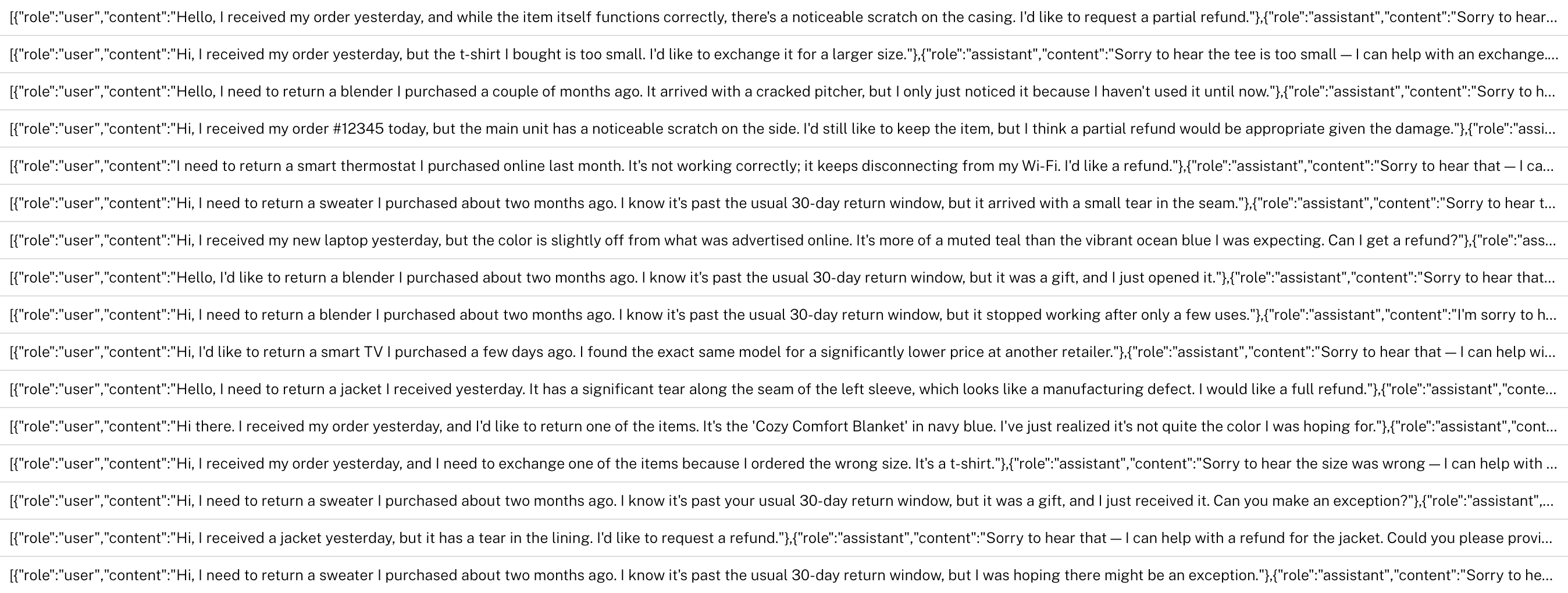
Darryl loaded the Parquet logs into Hyperparam and started by scanning raw rows to understand what was captured per turn (messages, tool calls, metadata).
The first goal was simple: locate conversations that matched the complaint, such as “trying to reach a human,” “live agent,” “customer service,” etc. That’s awkward in SQL because the query is semantic: the same intent shows up across many different phrasings.
Instead of writing brittle keyword filters, he used an AI agent to filter the dataset down to conversations that likely matched the reported intent. Then he pulled up the specific user’s interaction to review the full conversational context.
Step 2: Identify the real failure mode (it wasn’t “random hallucination”)
Darryl soon discovered that the issue wasn’t just that the chatbot wrote something wrong. In the failing chat, the model attempted a tool call to answer a factual question about support availability—but it called the wrong tool.
That’s an important distinction, because it changes the fix:
- If it’s pure model generation, you’re tuning prompts and refusal behavior.
- If it’s tool routing, you’re fixing selection, schema, constraints, and guardrails—and you can validate the fix deterministically across historical inputs.
Step 3: Turn “one bug” into a measurable pattern
After fixing the single root cause, Darryl ran a broader review across the full dataset to look for other cases where users asked factual questions and received low-quality or nonsensical answers. Once he zoomed out to look across the full dataset, individual failures stopped being useful on their own. The questions he needed to ask were:
- Which intents fail most?
- Which tool calls correlate with failures?
- Is the problem isolated to one path or systemic?
The agent surfaced multiple similar issues. What initially appeared to be a single complaint turned out to be a recurring failure that could be costing customers.
Step 4: Replay real conversations to validate changes
At this stage, Darryl needed to validate behavior by asking:
Given the exact same user inputs from the original version (V1), does the updated version (V2) reliably choose the right tool and produce a correct answer?
With Hyperparam, Darryl replayed historical conversations under different configurations (prompts, tooling, model), then compared outputs across variants using LLM-as-a-judge to score improvements at scale.
This made it possible to see whether fixes held up across the full replay dataset, not just a few handpicked samples.
After iterating, he exported a concrete set of changes for the next chatbot version: which tool call behavior to adjust, what prompt or tool constraints to add, and which configuration produced the best outcomes on the replay dataset.
“I found the right setup within a couple of hours without pulling in an entire team. Being able to compare V1 and V2 across real inputs made it obvious which changes actually worked.”
If you’re debugging chatbot failures using real LLM logs, this is the kind of workflow Hyperparam is designed to support.